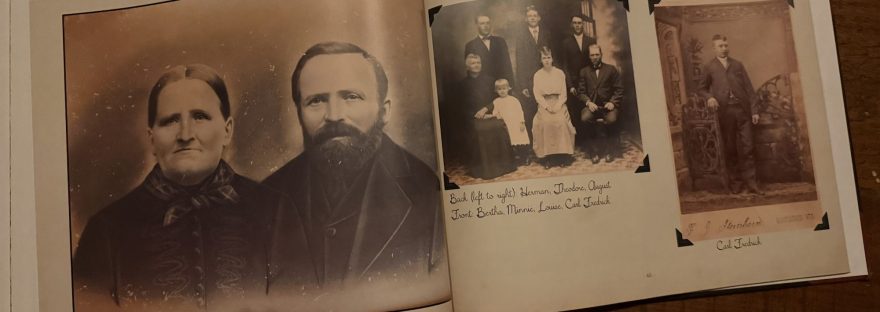
Last year, I finally finished a project I started several years ago. This book is one of several that I plan to publish as a multi-volume history of my Frederick ancestors. I started with my great-great-grandparents. My plan is to have a book for each Frederick generation down to me.
I started this project using Shutterfly. Shutterfly is great for photo books, which is why I use it to make a family photo book each year. It felt very clunky and hard to work with. I liked the customization and embellishments, but that didn’t make up for its shortcomings. All in all, it was a very arduous experience using that platform for this. I am sure that with more time and patience, that book would have been a decent product.
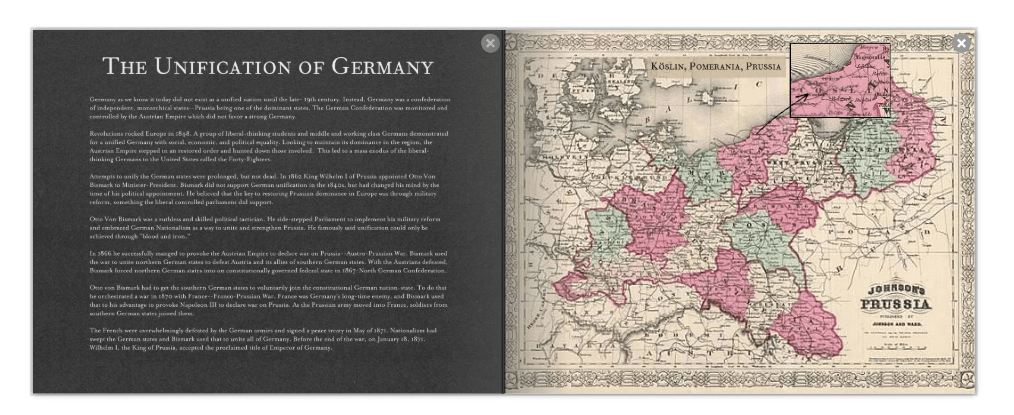
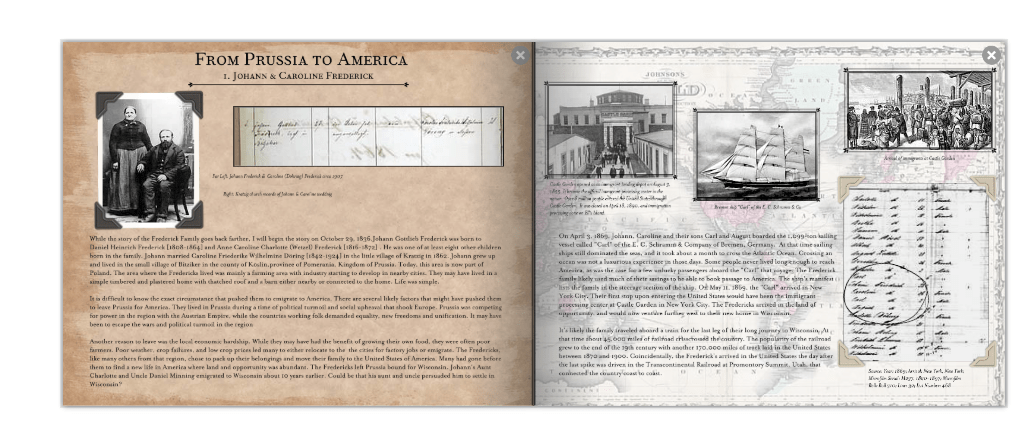
Pages from early Shutterfly drafts
I did a little more research and found MyCanvas to move my project over to. What I liked most about MyCanvas was that the account is also linked to Ancestry. This made it super easy to pull the information from the family trees from my Ancestry account. Things were going great with the new platform I found…until it wasn’t. In 2020, MyCanvas announced a massive overhaul of the website and technology. This was in part due to Adobe Flash being discontinued. The clock was ticking for me to save my work. What I ended up doing was taking screenshots of each page I had worked on. MyCanvas wanted me to buy something from them to get the PDF files. I took a screen grab to get around that.
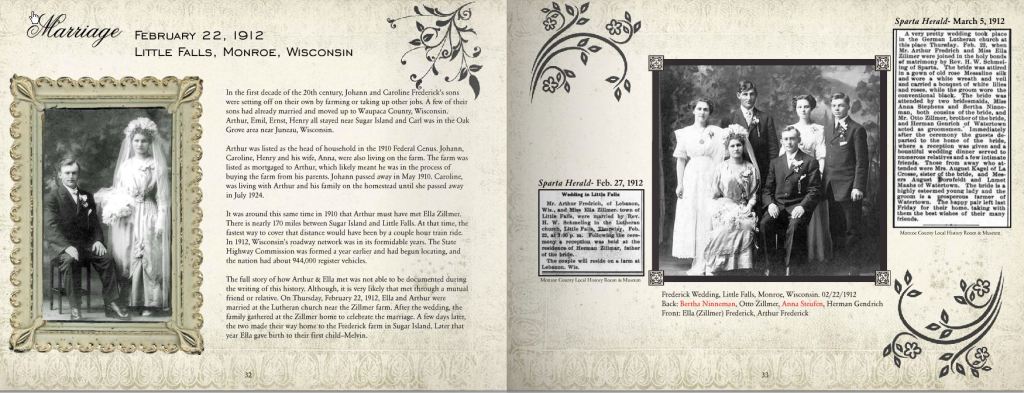
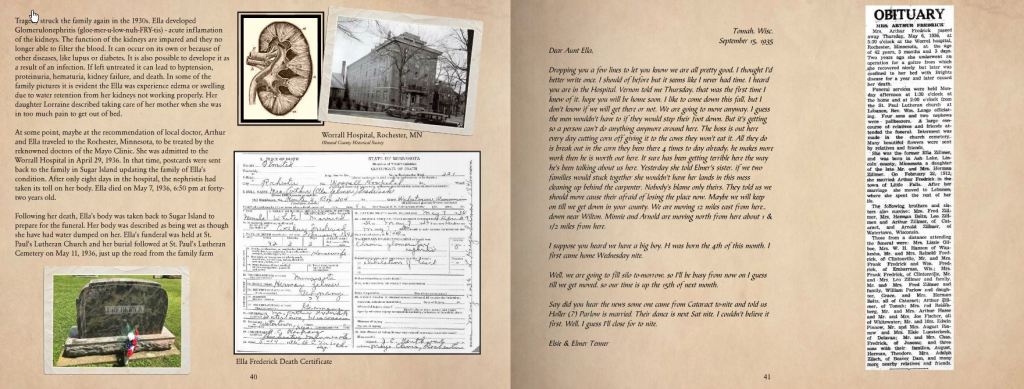
I couldn’t bring myself to start from scratch on MyCanvas, because what if this happened again? I decided to just build the book on my desktop programs. I used Microsoft Publisher on my computer successfully to publish the Winnebago County Historical Society’s newsletters. So I did some revamping and design changes to the book. It was also at that point that I decided to break this whole project into separate books. Originally, I had planned to have one big book that included several generations. I did this for a few reasons. The main reason was to break this project up into manageable chunks.
Everything was going well with Publisher, but I was still having issues with pulling facts from my tree. I had to switch back and forth to type out all of the information. It can be done, but time is precious to me. That’s when I discovered the Family Book Creator (FBC) add-on that would work with my Family Tree Maker (FTM) software.
I took each chapter and saved it as its own Word document. I took the files and uploaded them to my great-great-grandparents’ media folder in FTM. When I used the FBC interface, all my story files were pulled as my book was generated. Additionally, the endnotes in the individual files were integrated flawlessly into the new book file. All the vitals, historical facts, and associated sources I had saved in the profile were easily transferred over.
The biggest inspiration for my layout came from Rebecca Shamblin. I discovered her YouTube videos showing her process and books. If you haven’t already, I recommend visiting her website and watching her videos on her process. There are several other genealogists out there for inspiration as well, but Rebecca really helped me.
After I ironed out a few wrinkles, I tweaked some design issues. I finally had a product I was happy with. I chose Lulu to self-publish. I set it up so that family members can get their book directly from the website. If you’re a relative and would like a copy, click here to buy the book.
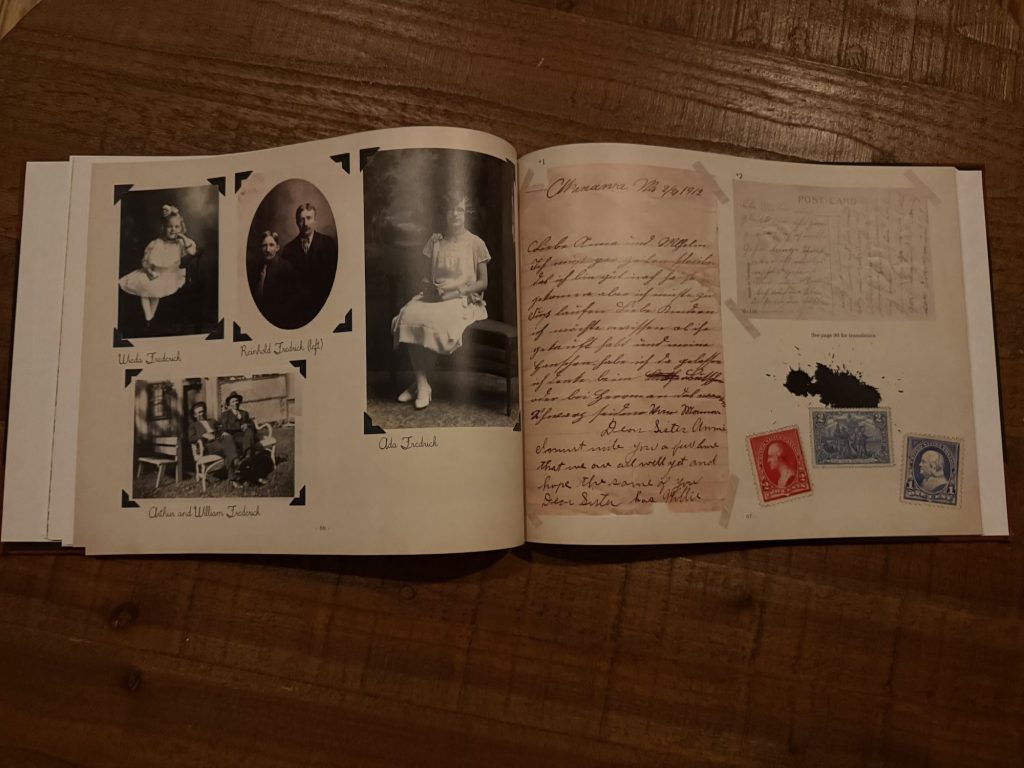
I designed the cover using Canva and other editing software on my computer. I also wanted to add a little extra flair to the text and download some German-looking fonts from DaFont. I incorporated photos of my family narrative, but also arranged a section that resembled an old photo album. I even added some embellishments and picture corners. I thought it added a great touch.
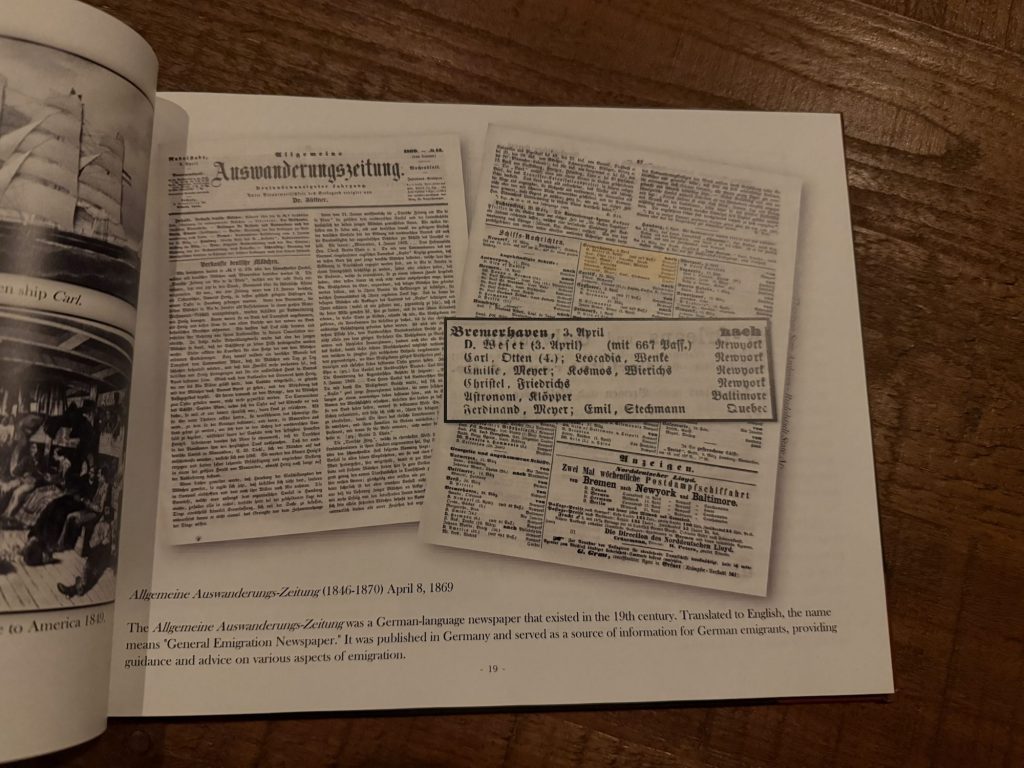
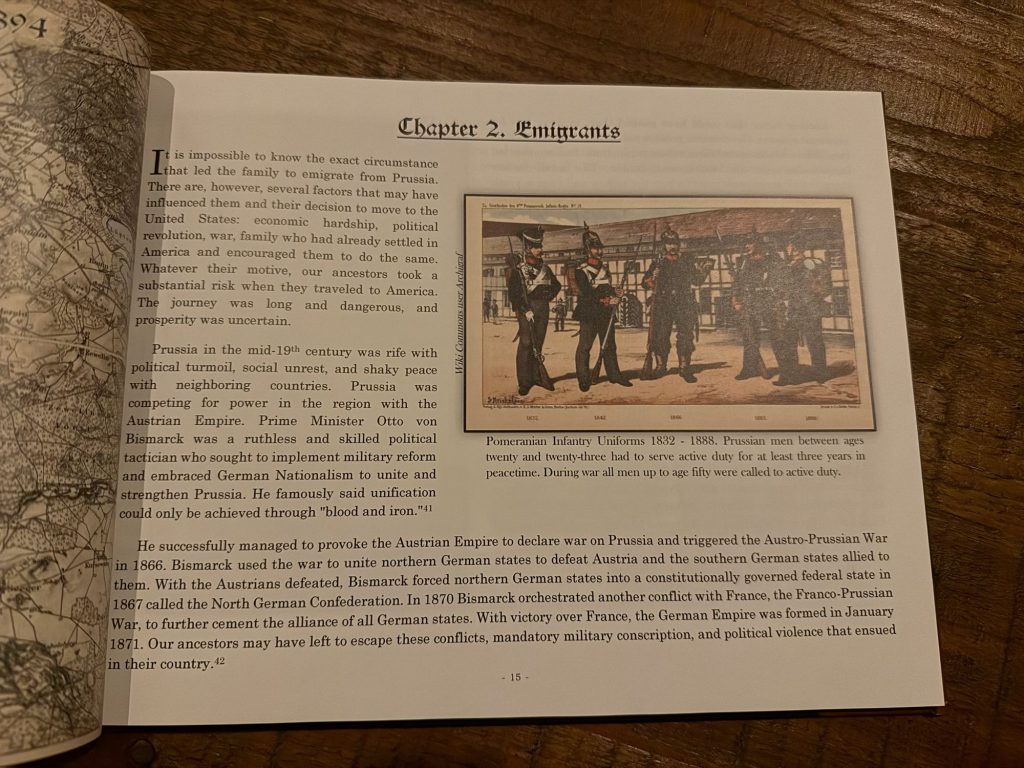
Family history is great, but I also wanted to add context to the world my ancestors lived in. After all, they lived through some historic moments in their day. I did a lot of research on the history being made around them to weave into the narrative. For example, they arrived in America on May 11, 1869, which was the day after the Transcontinental Railroad was completed. I used that fact to explore how immigrants traveled westward. I also delved into railway companies that ran special trains for immigrants. I don’t know for sure which train, if any, they took to Wisconsin. If they did travel by train, this background adds context to mid-19th-century migration.
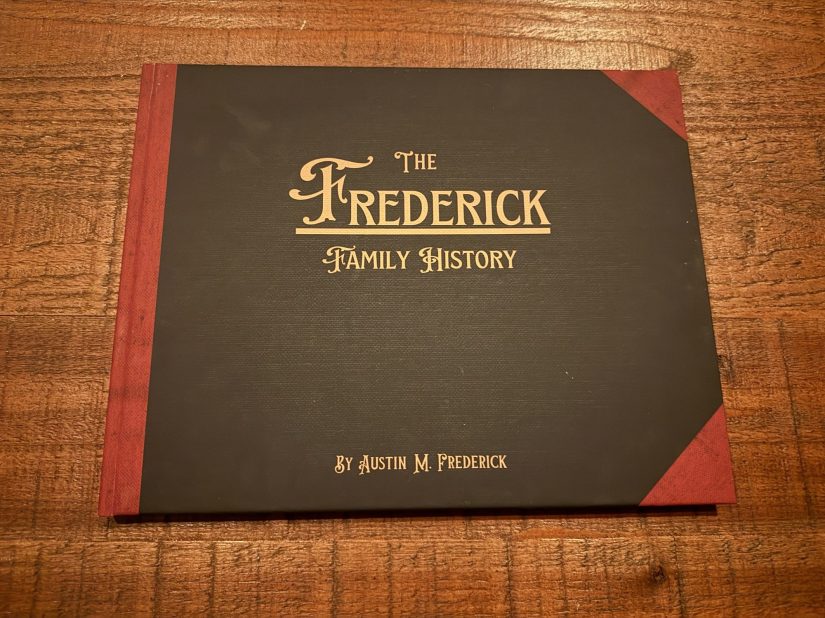
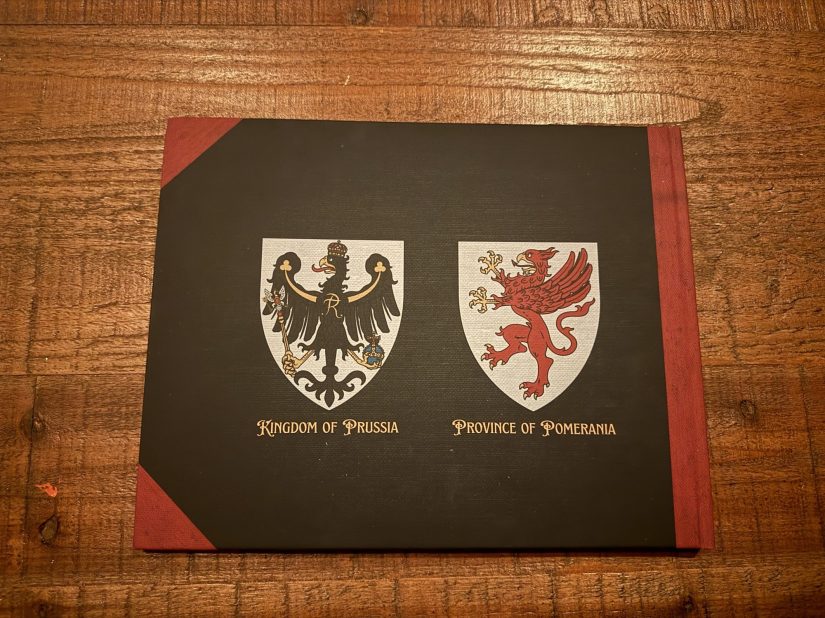
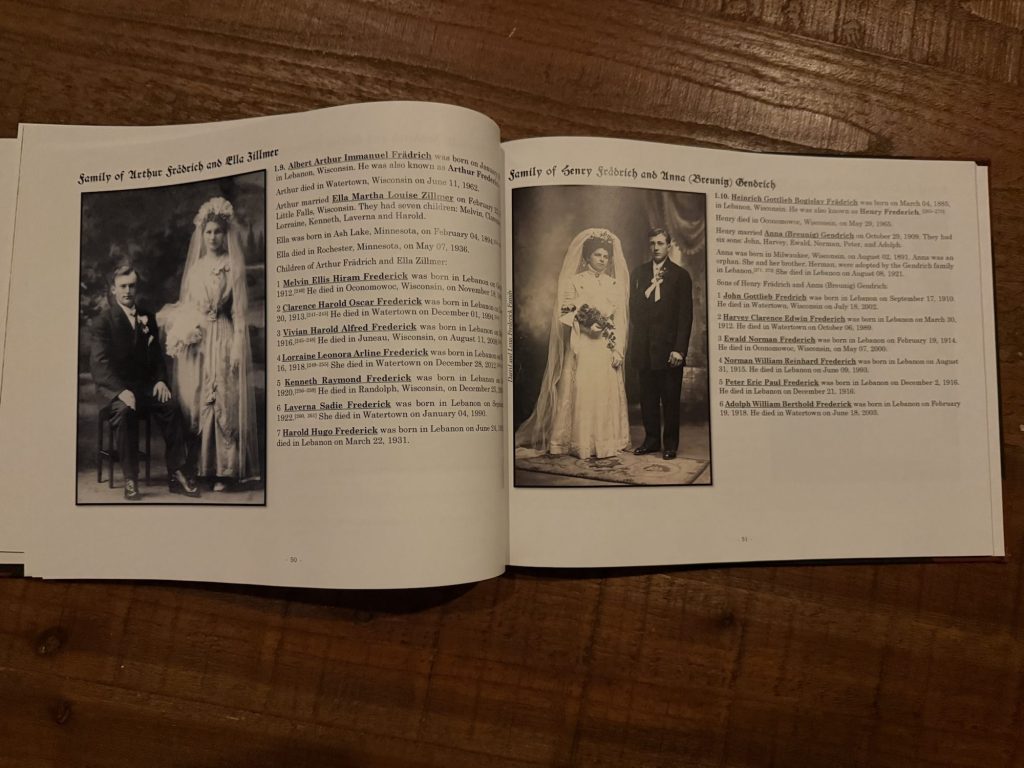
I am satisfied with how this book turned out. I am working on the next installment of my family history. It will be the life of my great-grandparents, Arthur and Ella. Eventually, there should be a book for each Frederick generation down to me. I can even branch off to other ancestors. Once my book is done, I plan to combine them into one big book. That book will be for my kids.
Moving Ahead
Here are a few things I learned and am implementing in my next book.
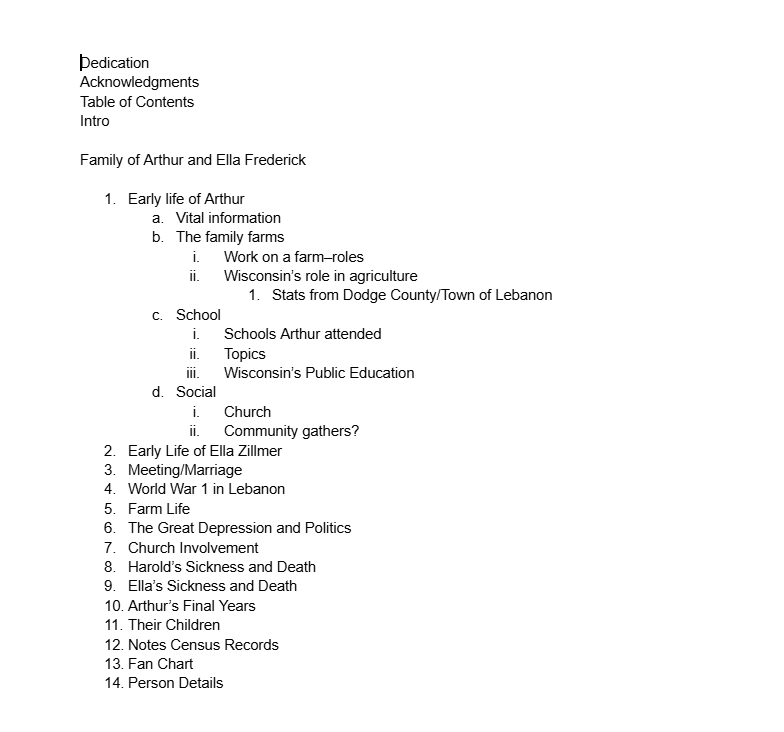
- Make an outline
- Don’t get hung up on the unknown
- Write first, edit later
- Make copies of materials/sources
Making an outline for the second installment has been helpful. It is a roadmap of where I want my family story to go. It will change several times, I am sure, but it will help keep me on track.
This family historian can get bogged down in the unknown details. I need to learn to let it go. There were times I had serious FOLO ( Fear of Leaving Out) about important information. I am not saying don’t make an effort to look. When you hit that impenetrable brick wall, you just have to include what you know and move on. Trust me, it will save your sanity in the long run.
A big obstacle to taking on a project is just starting. Sit down and start writing. Find a way that works for you—pencil to paper, typewriter, or computer. The biggest step is starting, because you can’t finish what you don’t start. Once you do start, worry about the editing later. You’re going to have mistakes, and that’s okay. It’s important to let the creative ideas flow from mind to paper or screen.
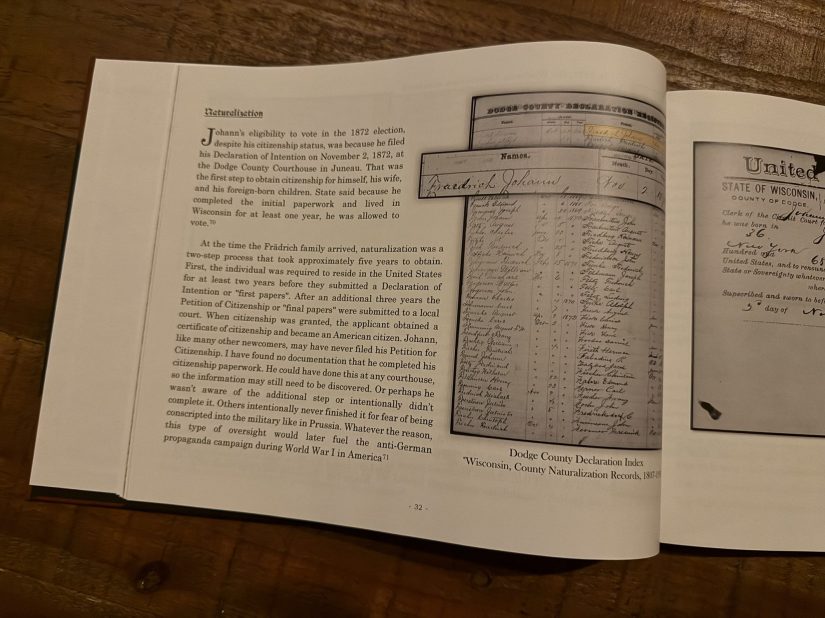
I am going to get in the habit of making paper copies of sources besides my electronic files. Electronic files have a tendency to get lost or misplaced–especially when you change computers. I spent many a morning at 2:00 am searching for the source of information I once found. Have backups!
Tell me about your book project! How are you organizing yours? Who are you using to publish it? What family members does your book cover? What obstacles did you come up against?
Loved this? Found it useful? Scroll back to the top and leave a rating — and if you have a moment, tell me why in the comments too.

 The Weekend Historian